You may use the following steps to access your GTL online account at www.connectnetwork.com
| Description | Click to Enlarge |
|---|---|
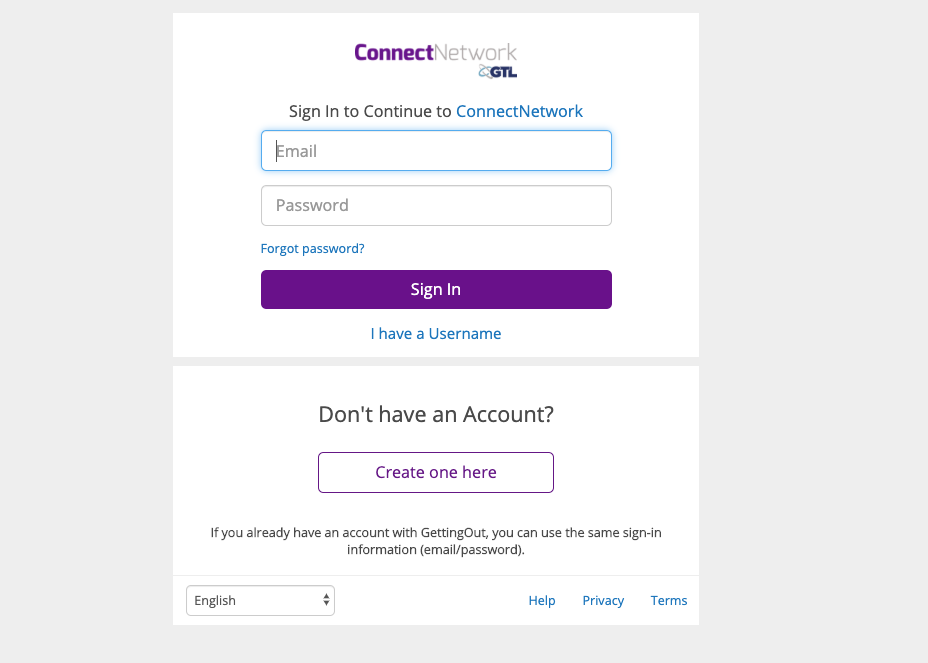
| 1. Go to the « Sign In » page on ConnectNetwork.com Click « Forgot password? » |
 |
| 2. Re-enter your email address Click « Submit » |
 |
| 3. Check your email account and find the email from « ConnectNetworkResetPassword »
In the email, click « Reset Password » to return to ConnectNetwork |
 |
| 4. Back on ConnectNetwork, you will be prompted to enter a new password (twice to confirm). Click « Submit » |
 |
| 5. Click « Return to Sign In » and use your new password. |  |